
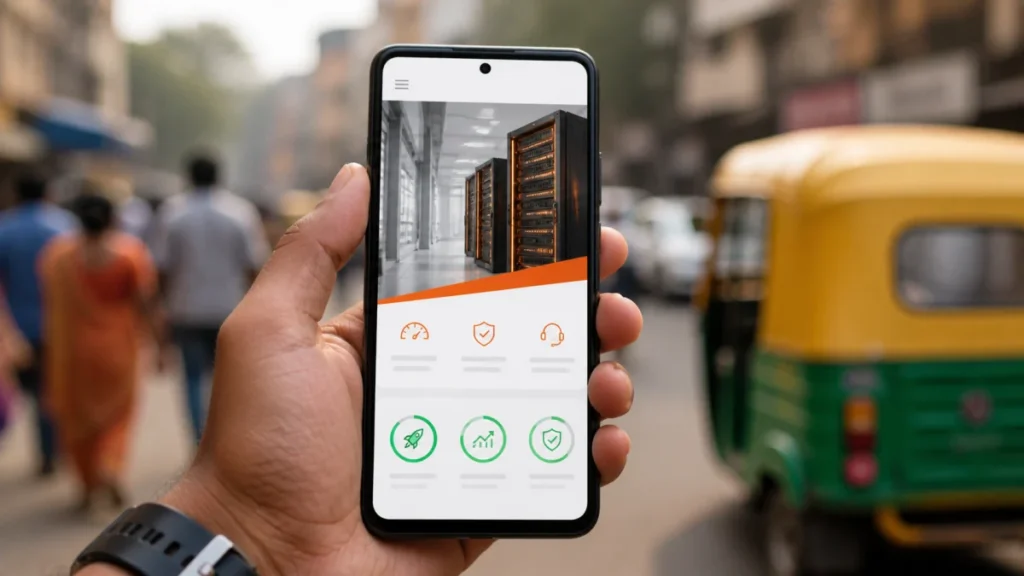
Over 75% of web traffic in India comes from mobile devices. Average 4G speeds in cities like Jabalpur, Bhopal, and Nagpur range from 15–35 Mbps — significantly below what western web developers test with. This guide is specifically written for the Indian context.
Why Indian Users Are Different from Western Benchmarks
Most web performance guides assume:
- Broadband connections (50–200 Mbps)
- Desktop or high-end mobile devices
- Low latency connections to nearby servers
Indian reality in 2026:
- Primarily 4G mobile (15–40 Mbps in tier-2/3 cities)
- Wide variety of Android devices from ₹8,000 to ₹80,000
- Many hosting providers have servers in Singapore or Europe, not India — adding 100–200ms of network latency
- Higher DNS lookup times on some mobile carrier networks
A site that loads in 1.2 seconds for a developer in Bangalore testing on fibre may load in 3.8 seconds for a customer in Jabalpur on Airtel 4G. This difference directly affects your Google ranking and bounce rate.
Quick Win #1: Enable Server-Side Compression (5 Minutes)
This single change reduces HTML, CSS, and JavaScript file sizes by 60–80%. Add to your .htaccess file:
<IfModule mod_deflate.c>
    AddOutputFilterByType DEFLATE text/html
    AddOutputFilterByType DEFLATE text/css
    AddOutputFilterByType DEFLATE application/javascript
    AddOutputFilterByType DEFLATE application/json
    AddOutputFilterByType DEFLATE image/svg+xml
</IfModule>
Verify it’s working: go to GTmetrix.com, scan your URL, and check if “Compression” shows as enabled.
Quick Win #2: Browser Caching (5 Minutes)
Returning visitors download your CSS, JS, and images again on every visit unless you tell the browser to cache them.
<IfModule mod_expires.c>
    ExpiresActive On
    ExpiresByType image/webp "access plus 1 year"
    ExpiresByType image/jpeg "access plus 1 year"
    ExpiresByType image/png "access plus 1 year"
    ExpiresByType text/css "access plus 1 month"
    ExpiresByType application/javascript "access plus 1 month"
    ExpiresByType text/html "access plus 1 hour"
</IfModule>
After this, a repeat visitor to your site loads almost instantly — their browser already has your CSS, JS, and images cached locally.
Quick Win #3: Convert All Images to WebP
WebP images are 25–50% smaller than JPEG at the same visual quality. This is the single biggest performance improvement for most Indian websites. Batch conversion using cwebp:
# Convert all JPGs in a folder
for f in *.jpg; do cwebp -q 82 "$f" -o "${f%.jpg}.webp"; done

# Or use ImageMagick
mogrify -format webp -quality 82 *.jpg
Serve WebP with JPEG fallback:
<picture>
    <source srcset="/images/hero.webp" type="image/webp">
    <img src="/images/hero.jpg" alt="Softcrony Technologies"
         width="1200" height="675" loading="eager">
</picture>
Quick Win #4: Lazy Load Everything Below the Fold
The browser only needs to load images that are immediately visible. Everything below the fold can wait.
<!-- Above the fold: eager loading, high priority -->
<img src="hero.webp" loading="eager" fetchpriority="high" alt="Hero">

<!-- Everything else: lazy loading -->
<img src="team-photo.webp" loading="lazy" alt="Our team">
<img src="portfolio-1.webp" loading="lazy" alt="Project 1">

<!-- Iframes (maps, videos): lazy load too -->
<iframe src="https://maps.google.com/..." loading="lazy"></iframe>
This is a native browser feature — no JavaScript required.
Quick Win #5: Use a CDN for Static Assets
If your server is in Singapore (common for Indian shared hosting), every image request from Jabalpur adds ~60–80ms of network latency. A CDN with Indian edge servers (Cloudflare has nodes in Mumbai, Delhi, Chennai, Hyderabad) brings that down to <5ms. Cloudflare Free Tier (recommended):
- Sign up at cloudflare.com — free tier is sufficient for most sites
- Change your domain’s nameservers to Cloudflare’s (5-minute DNS change)
- Enable “Auto Minify” for HTML, CSS, JS
- Enable Brotli compression (better than gzip)
- Enable “Polish” for image optimization (compresses images automatically)
Cloudflare’s free tier typically improves first-load times by 20–40% for Indian visitors with no code changes.
WordPress-Specific Optimisations
If your site runs WordPress: Plugins to install:
- WP Rocket (₹2,500/year) or W3 Total Cache (free) — page caching
- ShortPixel (free tier) — automatic WebP conversion for uploaded images
- Asset CleanUp (free) — disable unnecessary CSS/JS loaded by plugins on pages that don’t need them
Quick database cleanup:
# In phpMyAdmin or WP CLI:
wp db optimize
wp transient delete --all
wp cache flush
Measuring Your Improvement
Test before and after each change:
- PageSpeed Insights (pagespeed.web.dev) — free, official Google tool
- GTmetrix (gtmetrix.com) — choose a Mumbai test server for Indian-realistic results
- WebPageTest (webpagetest.org) — run from Mumbai node, use “Mobile 4G” connection preset
The Complete Indian Performance Checklist
Server (one-time setup):
- ☐ gzip/Brotli compression enabled in .htaccess
- ☐ Browser caching headers set
- ☐ Cloudflare or other CDN connected
- ☐ PHP OpCache enabled (cPanel → PHP Settings)
Images (apply to all images):
- ☐ All images converted to WebP
- ☐ Responsive srcset for hero images (480w / 800w / full)
- ☐ loading=”lazy” on all below-fold images
- ☐ Width and height attributes on all img tags
- ☐ Hero image has loading=”eager” and fetchpriority=”high”
Code:
- ☐ CSS file under 50KB (ideally 20–30KB)
- ☐ No render-blocking CSS in <head>
- ☐ All scripts have defer or async attribute
- ☐ No jQuery in new projects
- ☐ Google Fonts either self-hosted or loaded with font-display: swap
— Is your website losing customers because it loads slowly on mobile? Softcrony offers free performance audits for businesses in Jabalpur and across Madhya Pradesh. Get your free audit →
Leave a comment