
🕮6 min read · 1,026 words
Manually deploying Laravel applications via FTP or SSH is the fastest way to introduce production bugs. A proper CI/CD pipeline catches errors before they reach users and automates the repetitive parts of deployment.
This guide builds a complete GitHub Actions pipeline for Laravel — from pull request checks to zero-downtime production deployment.
What the Pipeline Does
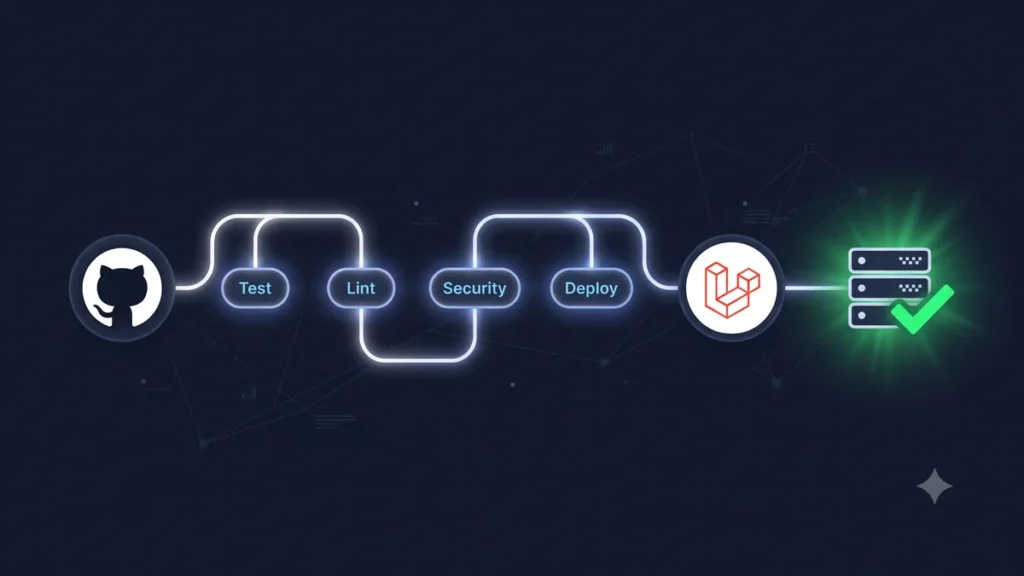
Our final pipeline will:
- Run on every pull request and push to main
- Check code style with Laravel Pint
- Run static analysis with PHPStan
- Run the full test suite with PHPUnit
- Check for security vulnerabilities
- Deploy to staging automatically on merge to main
- Deploy to production on manual approval
Project Structure
your-laravel-app/
└── .github/
    └── workflows/
        ├── ci.yml          # Runs on every PR
        └── deploy.yml      # Runs on merge to main
CI Workflow — Runs on Every Pull Request
Create .github/workflows/ci.yml:
name: CI

on:
  pull_request:
    branches: [main, develop]
  push:
    branches: [main, develop]

jobs:
  test:
    name: Tests (PHP ${{ matrix.php }})
    runs-on: ubuntu-latest

    strategy:
      matrix:
        php: ['8.2', '8.3']

    services:
      mysql:
        image: mysql:8.0
        env:
          MYSQL_ROOT_PASSWORD: password
          MYSQL_DATABASE: laravel_test
        ports:
          - 3306:3306
        options: --health-cmd="mysqladmin ping" --health-interval=10s --health-timeout=5s --health-retries=3

      redis:
        image: redis:7-alpine
        ports:
          - 6379:6379
        options: --health-cmd="redis-cli ping" --health-interval=10s --health-timeout=5s --health-retries=3

    steps:
      - name: Checkout code
        uses: actions/checkout@v4

      - name: Setup PHP
        uses: shivammathur/setup-php@v2
        with:
          php-version: ${{ matrix.php }}
          extensions: dom, curl, libxml, mbstring, zip, pcntl, pdo, pdo_mysql, bcmath, redis
          coverage: xdebug

      - name: Cache Composer dependencies
        uses: actions/cache@v4
        with:
          path: vendor
          key: composer-${{ matrix.php }}-${{ hashFiles('composer.lock') }}
          restore-keys: composer-${{ matrix.php }}-

      - name: Install Composer dependencies
        run: composer install --no-interaction --prefer-dist --optimize-autoloader

      - name: Cache npm dependencies
        uses: actions/cache@v4
        with:
          path: node_modules
          key: npm-${{ hashFiles('package-lock.json') }}

      - name: Install npm dependencies
        run: npm ci

      - name: Build assets
        run: npm run build

      - name: Copy environment file
        run: cp .env.ci .env

      - name: Generate application key
        run: php artisan key:generate

      - name: Run database migrations
        run: php artisan migrate --force
        env:
          DB_HOST: 127.0.0.1
          DB_DATABASE: laravel_test
          DB_USERNAME: root
          DB_PASSWORD: password

      - name: Run PHPUnit tests
        run: php artisan test --parallel --coverage-clover coverage.xml
        env:
          DB_HOST: 127.0.0.1
          DB_DATABASE: laravel_test
          DB_USERNAME: root
          DB_PASSWORD: password
          REDIS_HOST: 127.0.0.1

      - name: Upload coverage report
        uses: codecov/codecov-action@v4
        with:
          file: coverage.xml

  lint:
    name: Code Quality
    runs-on: ubuntu-latest

    steps:
      - uses: actions/checkout@v4

      - name: Setup PHP
        uses: shivammathur/setup-php@v2
        with:
          php-version: '8.3'

      - name: Install dependencies
        run: composer install --no-interaction --prefer-dist

      - name: Check code style (Laravel Pint)
        run: ./vendor/bin/pint --test

      - name: Static analysis (PHPStan)
        run: ./vendor/bin/phpstan analyse --memory-limit=256M

  security:
    name: Security Audit
    runs-on: ubuntu-latest

    steps:
      - uses: actions/checkout@v4

      - name: Check for vulnerabilities
        uses: symfonycorp/security-checker-action@v5
Environment File for CI
Create .env.ci in your repository:
APP_NAME=Laravel
APP_ENV=testing
APP_KEY=
APP_DEBUG=true
APP_URL=http://localhost

DB_CONNECTION=mysql
DB_HOST=127.0.0.1
DB_PORT=3306
DB_DATABASE=laravel_test
DB_USERNAME=root
DB_PASSWORD=password

REDIS_HOST=127.0.0.1
REDIS_PASSWORD=null
REDIS_PORT=6379

CACHE_STORE=redis
SESSION_DRIVER=array
QUEUE_CONNECTION=sync

MAIL_MAILER=array
Deploy Workflow — Zero Downtime Deployment
Create .github/workflows/deploy.yml:
name: Deploy

on:
  push:
    branches: [main]
  workflow_dispatch:  # Allow manual trigger
    inputs:
      environment:
        description: 'Environment to deploy to'
        required: true
        default: 'staging'
        type: choice
        options: [staging, production]

jobs:
  deploy-staging:
    name: Deploy to Staging
    runs-on: ubuntu-latest
    environment: staging
    if: github.ref == 'refs/heads/main'

    steps:
      - uses: actions/checkout@v4

      - name: Deploy to staging server
        uses: appleboy/ssh-action@master
        with:
          host: ${{ secrets.STAGING_HOST }}
          username: ${{ secrets.STAGING_USER }}
          key: ${{ secrets.STAGING_SSH_KEY }}
          script: |
            cd /var/www/staging

            # Pull latest code
            git pull origin main

            # Install dependencies
            composer install --no-interaction --prefer-dist --optimize-autoloader
            npm ci && npm run build

            # Run migrations
            php artisan migrate --force

            # Clear and rebuild caches
            php artisan config:cache
            php artisan route:cache
            php artisan view:cache
            php artisan event:cache

            # Restart queue workers
            php artisan queue:restart

            # Zero-downtime: reload PHP-FPM (not restart)
            sudo systemctl reload php8.3-fpm

            echo "Staging deployment complete"

  deploy-production:
    name: Deploy to Production
    runs-on: ubuntu-latest
    environment: production  # Requires manual approval in GitHub
    needs: deploy-staging
    if: github.event.inputs.environment == 'production' || github.event_name == 'workflow_dispatch'

    steps:
      - uses: actions/checkout@v4

      - name: Deploy to production (zero downtime)
        uses: appleboy/ssh-action@master
        with:
          host: ${{ secrets.PROD_HOST }}
          username: ${{ secrets.PROD_USER }}
          key: ${{ secrets.PROD_SSH_KEY }}
          script: |
            cd /var/www/production

            # Enable maintenance mode
            php artisan down --retry=60

            # Pull and build
            git pull origin main
            composer install --no-interaction --prefer-dist --optimize-autoloader --no-dev
            npm ci && npm run build

            # Database
            php artisan migrate --force

            # Caches
            php artisan optimize

            # Bring back online
            php artisan up

            # Restart workers
            php artisan queue:restart
            sudo systemctl reload php8.3-fpm

            echo "Production deployment complete"
GitHub Repository Secrets to Configure
Go to your GitHub repo → Settings → Secrets and variables → Actions:
| Secret Name | Value |
|---|---|
| STAGING_HOST | Your staging server IP |
| STAGING_USER | SSH username (e.g. ubuntu) |
| STAGING_SSH_KEY | Private SSH key for staging |
| PROD_HOST | Your production server IP |
| PROD_USER | SSH username for production |
| PROD_SSH_KEY | Private SSH key for production |
PHPStan Configuration
Create phpstan.neon:
parameters:
  level: 5
  paths:
    - app
    - database
    - routes
  excludePaths:
    - app/Http/Middleware/RedirectIfAuthenticated.php
  checkMissingIterableValueType: false
Laravel Pint Configuration
Create pint.json:
{
  "preset": "laravel",
  "rules": {
    "array_syntax": { "syntax": "short" },
    "ordered_imports": { "sort_algorithm": "alpha" },
    "no_unused_imports": true,
    "not_operator_with_successor_space": true,
    "trailing_comma_in_multiline": true
  }
}
Run Pint Locally Before Pushing
# Fix code style automatically
./vendor/bin/pint

# Check only (no fixes) — same as CI
./vendor/bin/pint --test
What This Pipeline Prevents
In the last 12 months, this exact pipeline has caught the following issues in our client projects before they reached production:
- 3 failed database migrations that would have caused data loss
- 7 undefined variable errors caught by PHPStan
- 2 security vulnerabilities in Composer dependencies
- 12 code style violations that would have caused merge conflicts
- 1 missing environment variable that would have broken the payment system
If you want a proper CI/CD pipeline set up for your Laravel project, our DevOps team at Softcrony can configure and maintain it for you.
Leave a comment