
🕮7 min read · 1,273 words
If you’ve been following AI development closely, you’ve started seeing MCP mentioned everywhere — in Claude’s settings, in developer blogs, in job descriptions. Most explanations are either too abstract or too deep in the weeds.
This is the explanation I wish I’d had when I first encountered it.
The Problem MCP Solves
Imagine you’re a developer who wants Claude to help you manage your GitHub issues, update your Jira tickets, query your database, and send Slack messages — all from a single conversation.
Before MCP, every one of these integrations was a custom engineering project. You’d need to:
- Write custom API wrappers for each service
- Figure out how to pass context from Claude to each service
- Handle authentication for each service differently
- Rebuild all of this every time Claude’s API changed
- Do it again from scratch for ChatGPT or Gemini
It was like the early days of computing, when every printer needed its own custom driver for every operating system. Chaos.
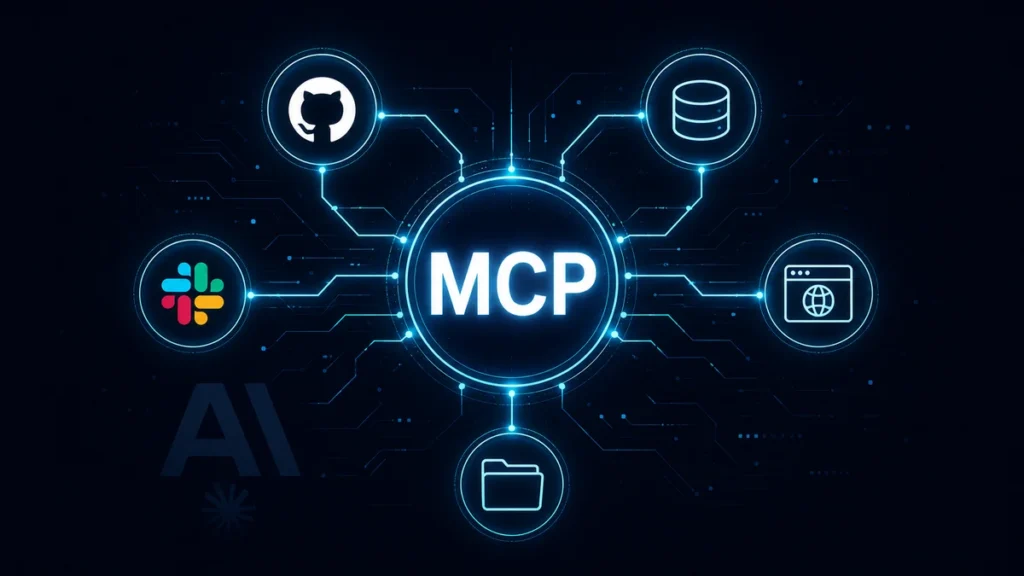
MCP is the USB standard for AI integrations. Build it once, works with any MCP-compatible model.
What MCP Actually Is
Model Context Protocol is an open standard — published by Anthropic in November 2024, now adopted by OpenAI, Google, and most major AI tooling companies — that defines a universal way for AI models to connect to external tools and data sources.
At its core, MCP has three pieces:
MCP Servers — programs that expose tools and data to AI models. A GitHub MCP server exposes tools like “list my repositories”, “read a file”, “create a pull request”. A database MCP server exposes “run a query”, “show table schema”. You can build an MCP server for anything.
MCP Clients — AI applications that connect to MCP servers. Claude Desktop is an MCP client. Any application built on Claude’s API can be an MCP client. The client asks the server “what tools do you have?” and uses them during conversations.
MCP Protocol — the communication standard between clients and servers. JSON-RPC based, runs over stdio or HTTP with SSE. Simple enough that building a basic MCP server takes about an hour.
How It Works in Practice
Here’s what happens when you ask Claude “what GitHub issues are assigned to me?” with a GitHub MCP server connected:
- You type your question in Claude Desktop
- Claude recognizes this requires the GitHub tool “list_assigned_issues”
- Claude sends a tool call request to the GitHub MCP server
- The MCP server calls the GitHub API with your credentials
- GitHub returns the data to the MCP server
- The MCP server returns it to Claude
- Claude reads the data and responds to you in natural language
From your perspective: you asked a question and got an answer. Under the hood: an entire API integration happened invisibly.
The MCP Server Architecture
// A minimal MCP server in TypeScript
import { Server } from "@modelcontextprotocol/sdk/server/index.js";
import { StdioServerTransport } from "@modelcontextprotocol/sdk/server/stdio.js";

const server = new Server(
  { name: "softcrony-tools", version: "1.0.0" },
  { capabilities: { tools: {} } }
);

// Define available tools
server.setRequestHandler("tools/list", async () => ({
  tools: [
    {
      name: "get_project_status",
      description: "Get the current status of a client project",
      inputSchema: {
        type: "object",
        properties: {
          project_id: {
            type: "number",
            description: "The project ID"
          }
        },
        required: ["project_id"]
      }
    }
  ]
}));

// Handle tool calls
server.setRequestHandler("tools/call", async (request) => {
  if (request.params.name === "get_project_status") {
    const projectId = request.params.arguments.project_id;

    // Call your actual API
    const response = await fetch(`https://api.softcrony.com/projects/${projectId}`);
    const project = await response.json();

    return {
      content: [
        {
          type: "text",
          text: JSON.stringify(project, null, 2)
        }
      ]
    };
  }
});

// Start server
const transport = new StdioServerTransport();
await server.connect(transport);
That’s a real, working MCP server. Claude can now call “get_project_status” during any conversation where this server is connected.
MCP Servers That Already Exist
You don’t have to build everything from scratch. The MCP ecosystem has grown rapidly:
| Category | Available MCP Servers |
|---|---|
| Code & Version Control | GitHub, GitLab, Bitbucket |
| Project Management | Jira, Linear, Asana, Trello, Notion |
| Communication | Slack, Discord, Microsoft Teams |
| Databases | PostgreSQL, MySQL, SQLite, MongoDB, Redis |
| Cloud | AWS, Google Cloud, Cloudflare |
| Observability | Datadog, Grafana, Sentry |
| Browser | Puppeteer, Playwright, Browserbase |
| File System | Local files, Google Drive, Dropbox |
| APIs | Stripe, Twilio, SendGrid, HubSpot |
| Search | Brave Search, Tavily, Exa |
Setting Up MCP in Claude Desktop
// ~/.claude/claude_desktop_config.json
{
  "mcpServers": {
    "github": {
      "command": "npx",
      "args": ["-y", "@modelcontextprotocol/server-github"],
      "env": {
        "GITHUB_PERSONAL_ACCESS_TOKEN": "your-token-here"
      }
    },
    "postgres": {
      "command": "npx",
      "args": ["-y", "@modelcontextprotocol/server-postgres"],
      "env": {
        "POSTGRES_CONNECTION_STRING": "postgresql://user:pass@localhost/db"
      }
    },
    "filesystem": {
      "command": "npx",
      "args": [
        "-y",
        "@modelcontextprotocol/server-filesystem",
        "/Users/yourname/projects"
      ]
    }
  }
}
Restart Claude Desktop and you have GitHub, PostgreSQL, and file system access in every conversation.
Building a Custom MCP Server for Your Laravel App
Here’s a practical example — an MCP server that lets Claude query and manage your Laravel application:
// mcp-server/index.ts
import { Server } from "@modelcontextprotocol/sdk/server/index.js";
import { StdioServerTransport } from "@modelcontextprotocol/sdk/server/stdio.js";

const API_BASE = process.env.LARAVEL_API_URL;
const API_TOKEN = process.env.LARAVEL_API_TOKEN;

const api = async (endpoint: string, method = "GET", body?: object) => {
  const response = await fetch(`${API_BASE}${endpoint}`, {
    method,
    headers: {
      "Authorization": `Bearer ${API_TOKEN}`,
      "Content-Type": "application/json",
    },
    body: body ? JSON.stringify(body) : undefined,
  });
  return response.json();
};

const server = new Server(
  { name: "laravel-app", version: "1.0.0" },
  { capabilities: { tools: {} } }
);

server.setRequestHandler("tools/list", async () => ({
  tools: [
    {
      name: "list_users",
      description: "List all users in the application",
      inputSchema: {
        type: "object",
        properties: {
          page: { type: "number" },
          search: { type: "string" }
        }
      }
    },
    {
      name: "get_order_stats",
      description: "Get order statistics for a date range",
      inputSchema: {
        type: "object",
        properties: {
          from: { type: "string", description: "Start date YYYY-MM-DD" },
          to: { type: "string", description: "End date YYYY-MM-DD" }
        },
        required: ["from", "to"]
      }
    },
    {
      name: "run_artisan",
      description: "Run a safe Laravel artisan command",
      inputSchema: {
        type: "object",
        properties: {
          command: {
            type: "string",
            enum: ["cache:clear", "queue:restart", "optimize", "migrate:status"]
          }
        },
        required: ["command"]
      }
    }
  ]
}));

server.setRequestHandler("tools/call", async (request) => {
  const { name, arguments: args } = request.params;

  switch (name) {
    case "list_users":
      const users = await api(`/api/users?page=${args.page ?? 1}&search=${args.search ?? ""}`);
      return { content: [{ type: "text", text: JSON.stringify(users, null, 2) }] };

    case "get_order_stats":
      const stats = await api(`/api/stats/orders?from=${args.from}&to=${args.to}`);
      return { content: [{ type: "text", text: JSON.stringify(stats, null, 2) }] };

    case "run_artisan":
      const result = await api("/api/artisan", "POST", { command: args.command });
      return { content: [{ type: "text", text: result.output }] };

    default:
      throw new Error(`Unknown tool: ${name}`);
  }
});

const transport = new StdioServerTransport();
await server.connect(transport);
Add this to your Claude Desktop config and you can now say:
- “Show me all users who signed up this week”
- “What are our order stats for July?”
- “Clear the cache”
And Claude does it — directly, no copy-pasting, no tab switching.
MCP vs Function Calling — What’s the Difference?
If you’ve used the OpenAI API, you’ve used function calling. MCP and function calling solve similar problems — letting AI use tools — but at different levels:
| Function Calling | MCP | |
|---|---|---|
| Scope | Per-API-call | Persistent server |
| Setup | Define in each API request | Configure once, use everywhere |
| Portability | Provider-specific | Works with any MCP-compatible model |
| State | Stateless | Can maintain state across calls |
| Authentication | Manual per call | Handled by server |
| Best for | Single API integrations | Full tool ecosystem |
Think of function calling as a walkie-talkie — works great for one conversation. MCP is a phone system — infrastructure that handles all conversations.
Why MCP Matters Beyond Developer Tools
MCP’s real significance isn’t developer productivity — it’s what it enables for AI agents. An AI agent with MCP access to your entire business toolstack can:
- Read a customer complaint in Slack
- Look up their account in your CRM
- Check their order status in your database
- Issue a refund via your payment system
- Update the ticket in Jira
- Respond to the customer
Without a human in the loop. Without custom code connecting each step. That’s not a future possibility — it’s happening with MCP today.
If you want to build MCP servers for your application or integrate AI agents into your business workflows, our team at Softcrony is building these kinds of integrations for clients.
Leave a comment